Bring your old photos back to life.
Faded, scratched, torn or blurry — upload it and get a clean, sharp, restored version back in minutes.
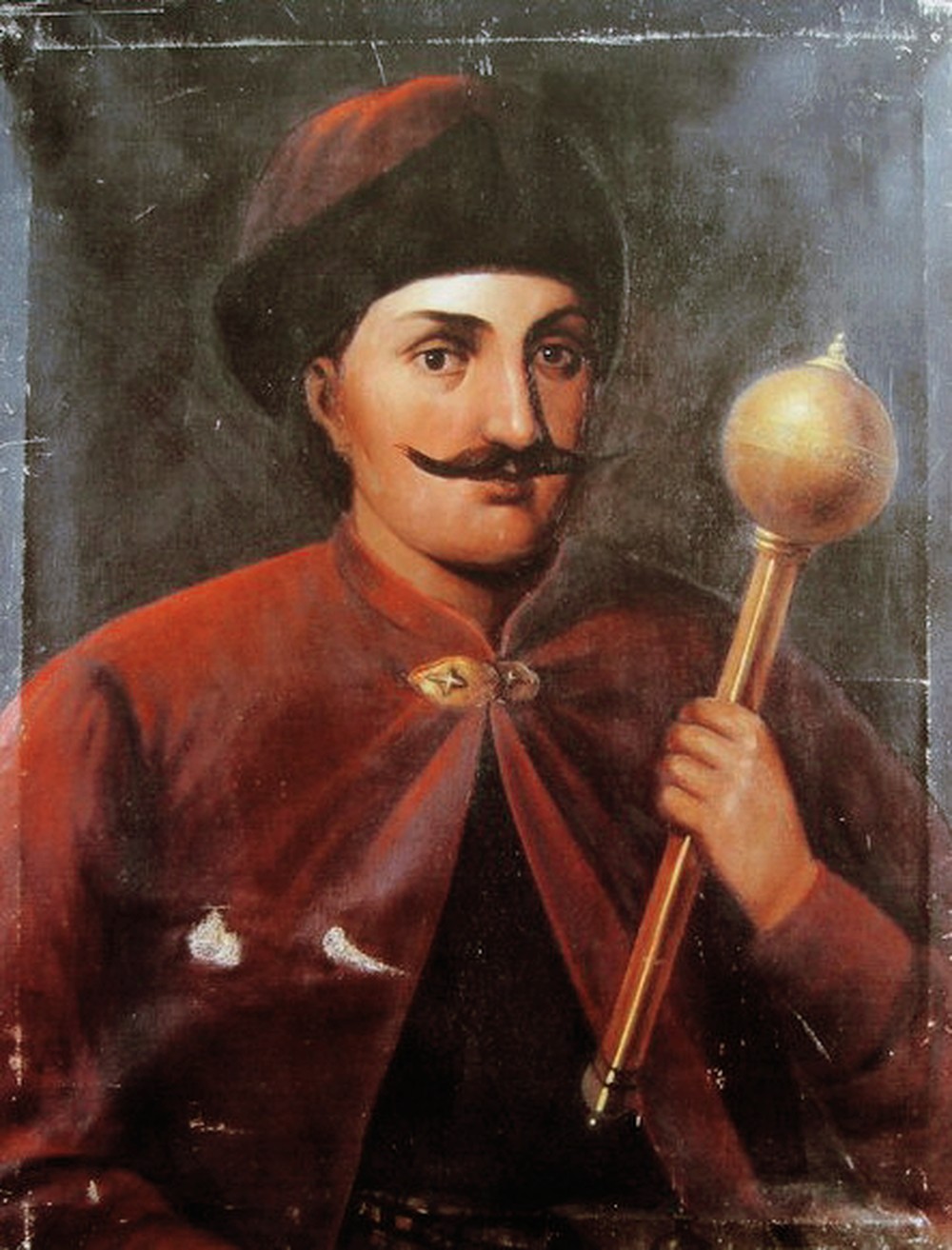
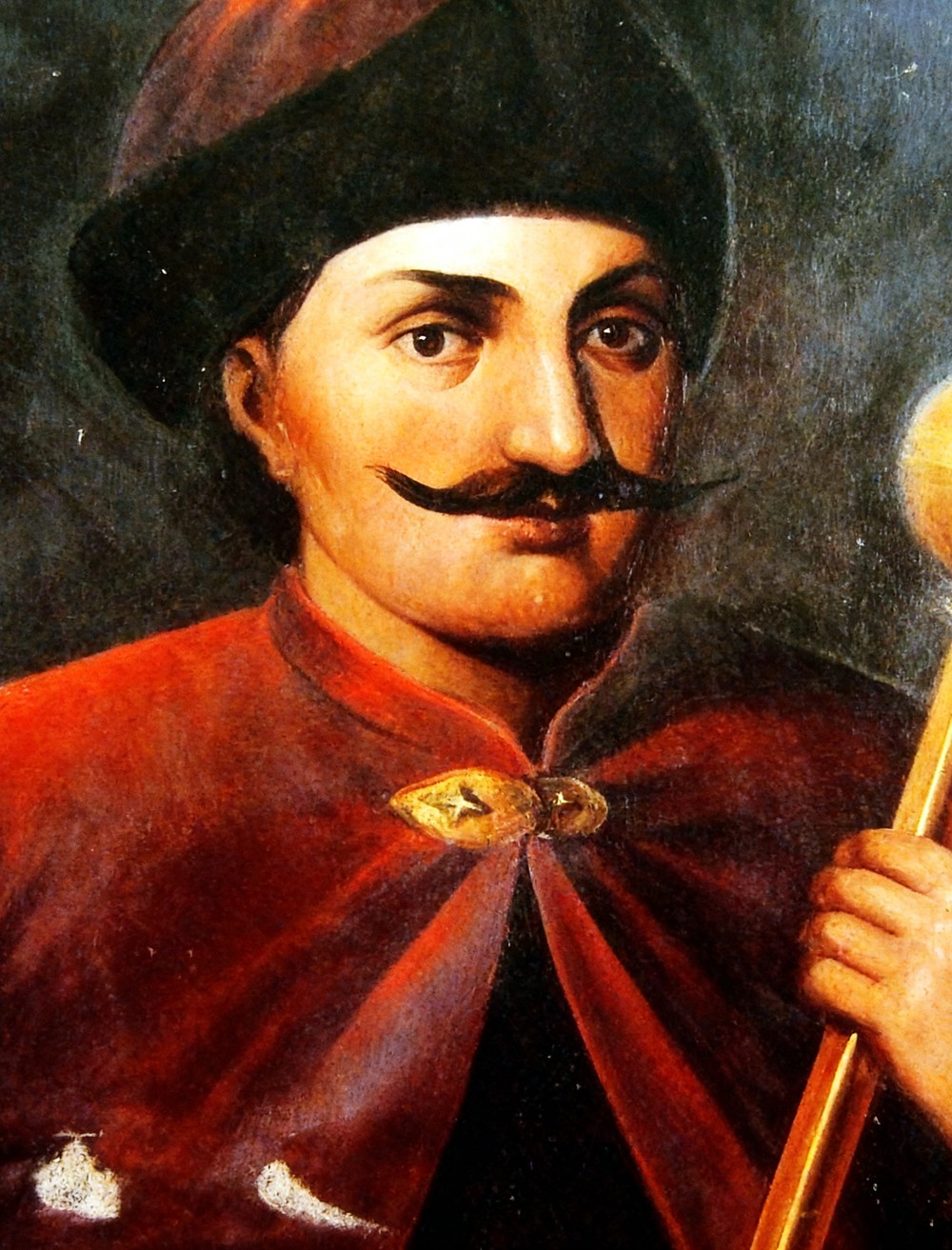
Drag the slider — this is a real restoration, delivered in minutes
Drag the slider. See the difference.
Real restorations from real damaged originals — scratches removed, detail recovered, faces kept true.
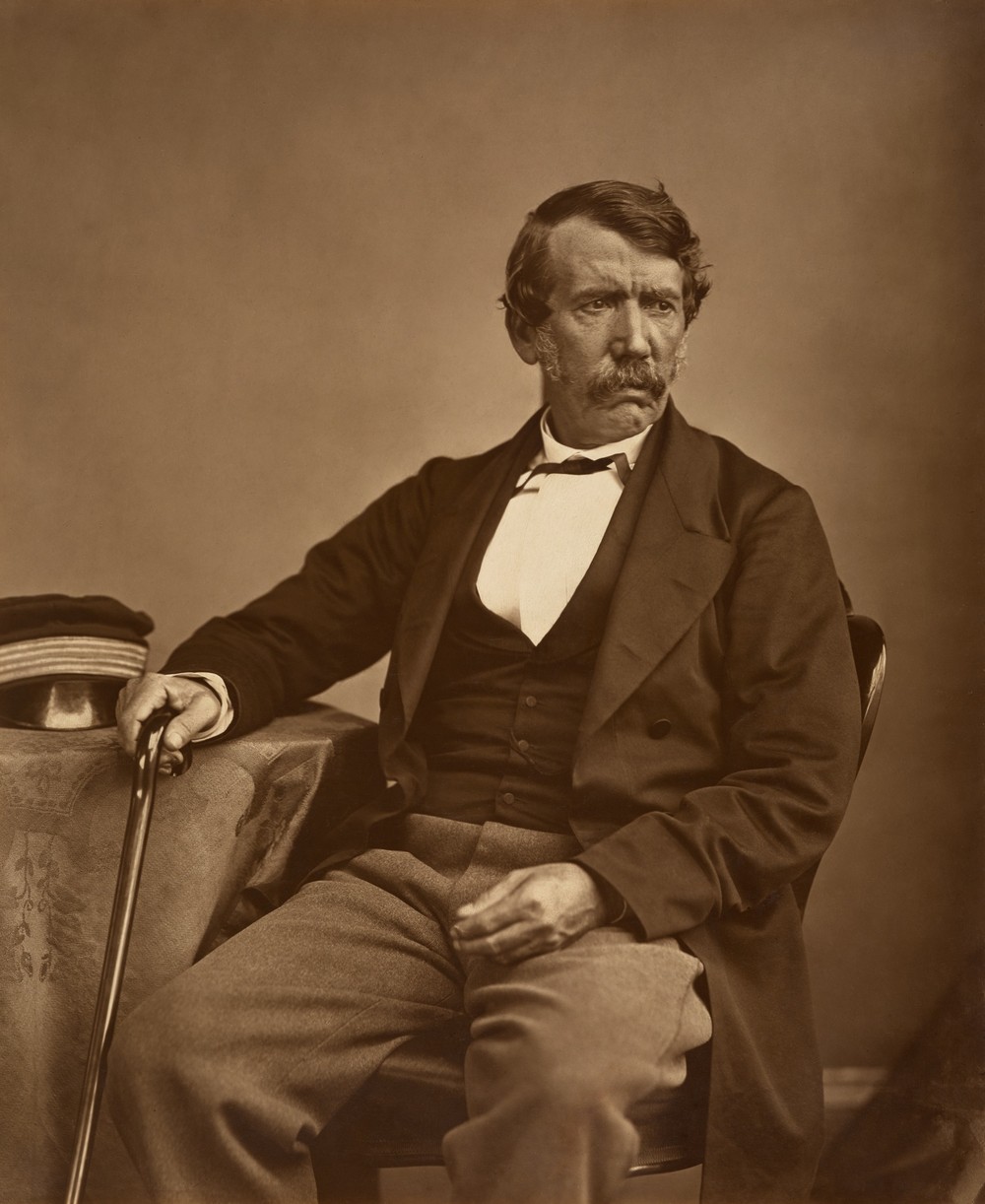
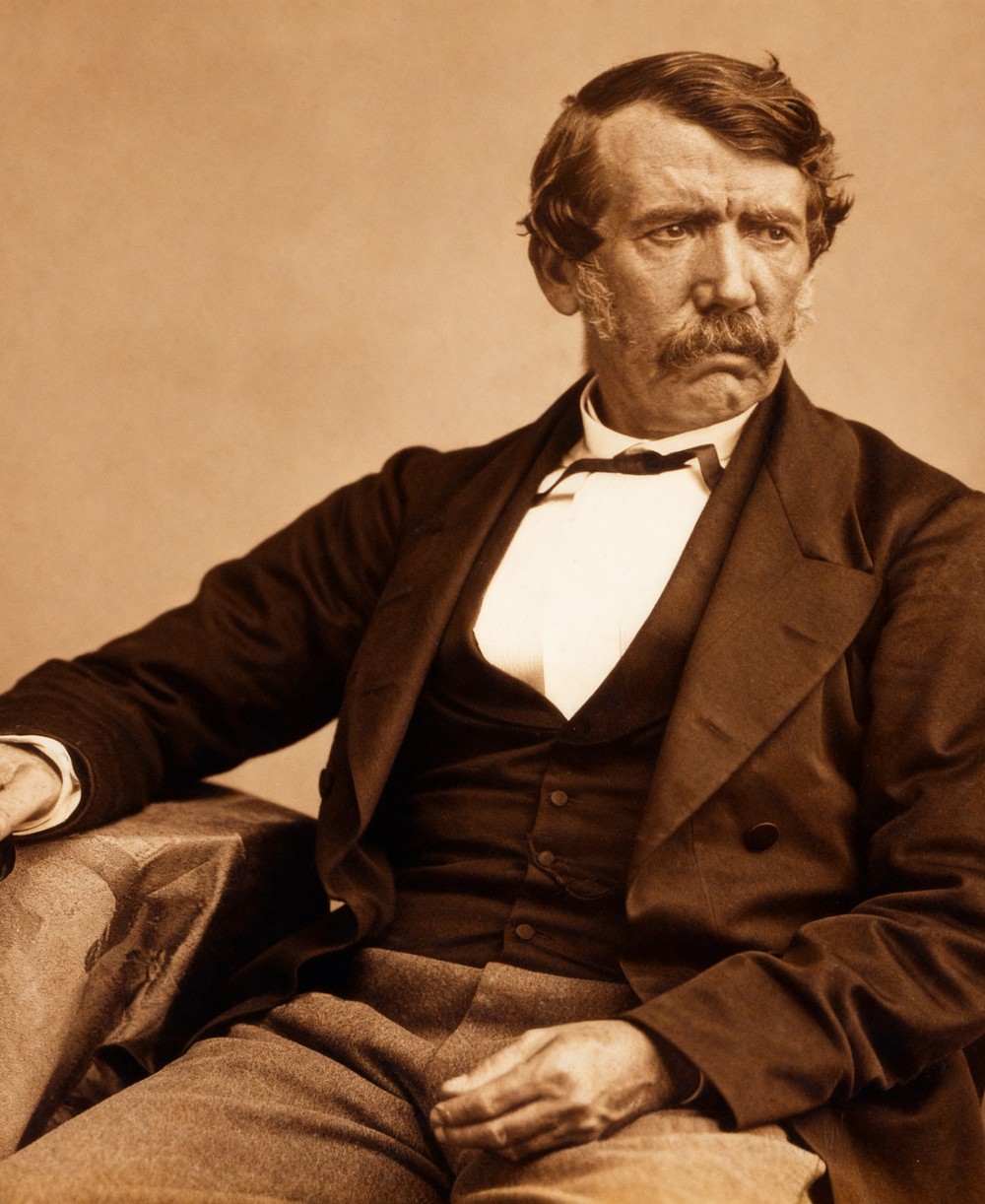
Faded & soft → sharpened, contrast recovered
Scratches & cracks → cleaned, detail restored
What Reviva fixes
Scratches & tears
Removes surface scratches, cracks, creases and spots without smearing the detail underneath.
Faces, kept true
Sharpens eyes, skin and hair while keeping the same person — no swapped or invented features.
Blur & low-res
Recovers sharpness and upscales small, soft or pixelated scans to a crisp, print-ready size.
Faded color
Revives washed-out tones and corrects yellowing back toward the original look.
Colorize (optional)
Add natural, believable color to black-and-white photos as a paid add-on.
Minutes, not weeks
Professional studios take days and charge $25–100. Reviva delivers in minutes for $9.
How it works
Upload
Drop in your old photo. JPG, PNG or HEIC, up to 12MB.
Pay $9
One-time, secure PayPal checkout. No subscription, ever.
We restore
Our AI removes damage, sharpens faces and enhances resolution.
Download
Get your restored high-resolution photo, ready to print or share.
Simple pricing. Pay per photo.
No subscription. You pay once, per photo. If you are not happy with a restoration, we refund it.
Single photo
- Scratch & damage removal
- Face sharpening + upscale
- Color & contrast recovery
- High-resolution download
3-photo pack
Less per photo than buying one at a time
- Everything in single
- Restore 3 photos
- Save $8 vs. buying singly
- Perfect for a family album
Add optional colorization for +$5 per photo at checkout. 100% money-back if you are not satisfied.
No subscription, ever. Remini charges $9.99/week and MyHeritage bundles restoration into a $119+/year plan — Reviva is a flat $9 per photo, paid once.
Questions
Will it still look like the same person?
Yes. Reviva sharpens and repairs the existing face — it does not replace it with a generated one. The person stays recognizably themselves.
What kind of photos work best?
Old prints, scanned photographs, faded or yellowed images, scratched or torn photos, and low-resolution or blurry scans. For best results, scan or photograph the original as clearly as you can.
How long does it take?
Most photos are restored within a few minutes of payment. You download the result right on the confirmation screen.
Is there a subscription?
No. Reviva is pay-per-photo. You are only ever charged for the photos you choose to restore.
What if I do not like the result?
We offer a money-back guarantee. If a restoration does not meet your expectations, contact us for a refund.
What about my privacy?
Your photo is used only to produce your restoration. We do not sell your images or use them for anything else.
Guides
Practical, no-signup guides to help you get the best result.
How to restore old, faded or damaged photos: scan at the right DPI, then repair fading, scratches and tears digitally.
What is the best DPI for scanning old photos? A size-by-size guide to 300, 600 and 1200 DPI for archiving and restoration.
How to colorize black-and-white photos: scan well, then add realistic color automatically while keeping detail intact.
How to date, identify and restore old family photos for genealogy research without losing the clues that place them in your family tree.
How many photos a memorial slideshow needs, how to scan them fast, and which ones are worth restoring before a funeral.